

Getting started
Getting Started
Your first hour in Lumenfall, from making a hero to choosing a class at level 10.
Lumenfall is an action adventure you play in landscape. You make a hero, wake up on a piece of a fallen star, walk to the village of Dawnhollow and start fighting. Everything is taught one step at a time, and nothing in the first hour is hard to miss.
Make your hero
You pick a body, a hairstyle, a face and a starter outfit. Then you name your hero with 3 to 12 letters and numbers, or tap the dice for a suggestion.
You do not pick a class yet. Every hero begins as a Wanderer with a 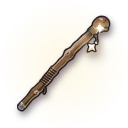 Wanderer's Walking Stick and a spark of the star in their chest. The class comes at level 10, and all five are open to you. An account holds up to four heroes.
Put your heroes in order
Your heroes wait in a row on the character screen. You can arrange them in the order you like.
- On a phone, tap MOVE, then use the up and down arrows to move the hero you chose.
- On a computer, drag a hero card to its place.
Tap DONE when the order is right. The order is saved on your account, so every device shows the same row.
Choose your language
On the title screen, tap the A/文 language symbol beside sound to choose your language before signing in or making a hero. On a computer, you can also use Settings, Language. While playing, use Menu, Settings, Account, Language.
Choose English, Indonesian, Brazilian Portuguese, Spanish, German, French, Japanese or Korean. Each card shows a flag and the language's own name; a teal check marks your selection. English is the original, and the translations are marked Translated by AI.
Select a language, then press APPLY & RESTART. The game restarts with that choice, and your progress is saved.
Report a translation
Use Report a translation in Settings or the language selector when a line has the wrong meaning, sounds unnatural, stays in English or does not fit its space. Choose a recently shown line or type the text yourself. You can suggest better wording and add a comment.
During a quest or NPC conversation, press REPORT to attach the current line and its conversation automatically. AUTO waits while you write. Reporting does not accept, finish or skip the quest; closing the form returns you to the conversation.
Sending needs an online connection. Your draft stays on this device when you close the form or a report cannot be sent, so you can reopen it and try again. Reports go for review; sending one does not immediately change the words you see.
The prologue: Where the Star Fell
Your first hero wakes on 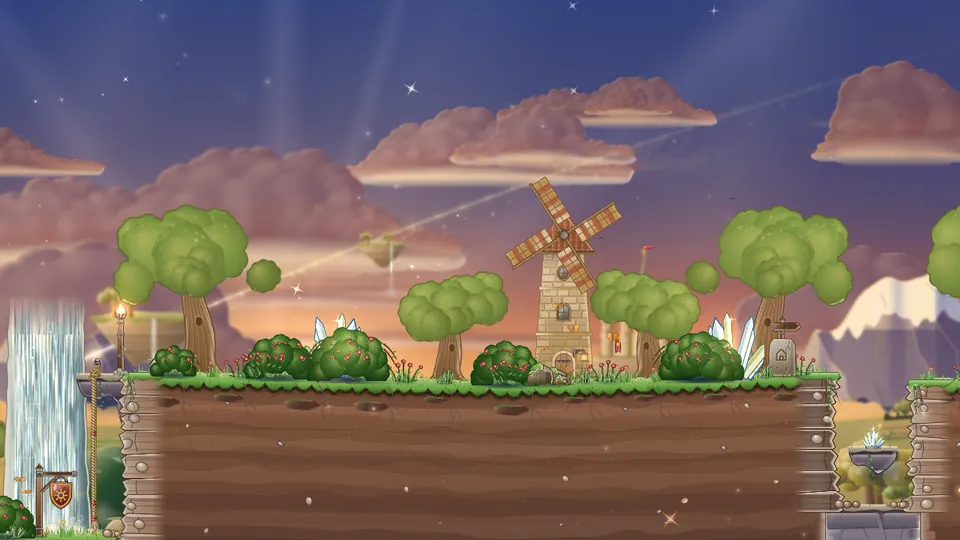 The Fallen Shard, a sliver of the Fallen Star floating above the clouds. A small spark of light called Glint flies at your shoulder and tells you what to do, one thing at a time. In a few minutes you:
- Walk, jump a ledge, and cross a gap by holding JUMP.
- Climb a rope by pushing the stick up.
- Beat three
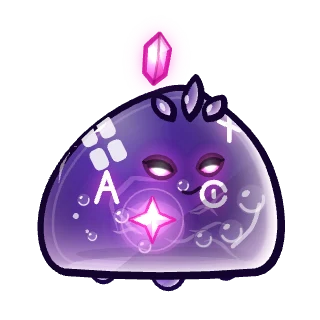 Gloamling with ATTACK.
- Throw Spark Toss at two
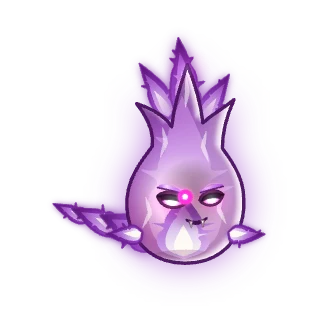 Gloam Wisp that float out of reach.
- Pick up a star-forged weapon, the
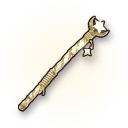 Starfall Stave, and wear it.
- Drink a
 Red Potion when the dark bites you.
- Talk to
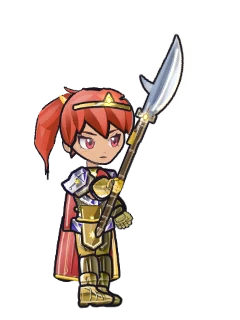 Warden Ysolde.
- Face the
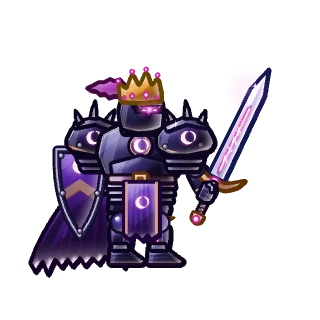 Gloam Herald. When its blade falls, JUMP the wave, then strike back.
- Walk into the column of dawn light.
Finishing it earns the Starborn title, a few potions and some lumens. Your first hero has to play the prologue. Later heroes on the same account may skip it.
Dawnhollow and the first quests
The light drops you in 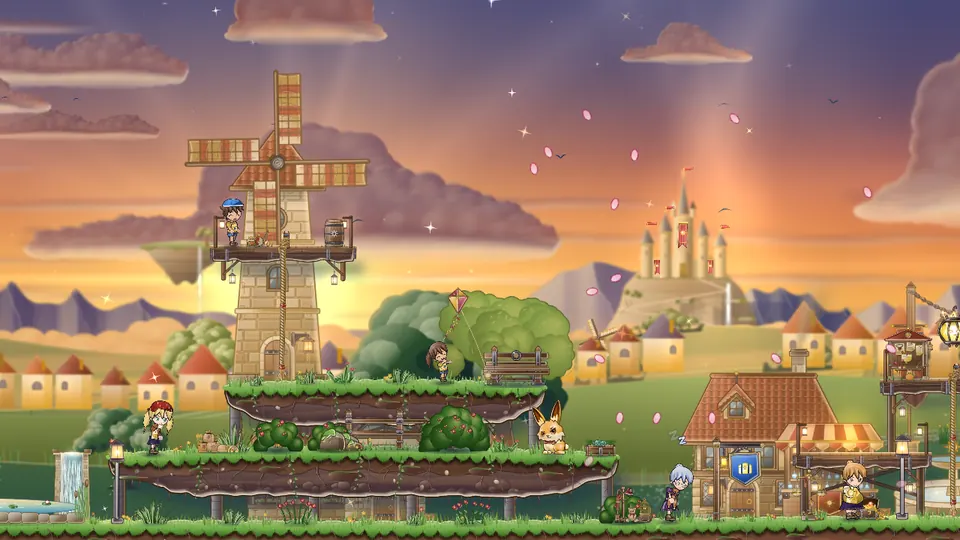 Dawnhollow, a bright village on a hill. Your first story quest,
 The First Light, is already in your hands. Tap GO on your quest in the tracker and Glint leads you to the slimes. Glint lights up the GO chip until you do. Steer for a second to take over.
| Quest | What to do | Where |
|---|---|---|
| The First Light | Defeat six  Dewdrop Slime | 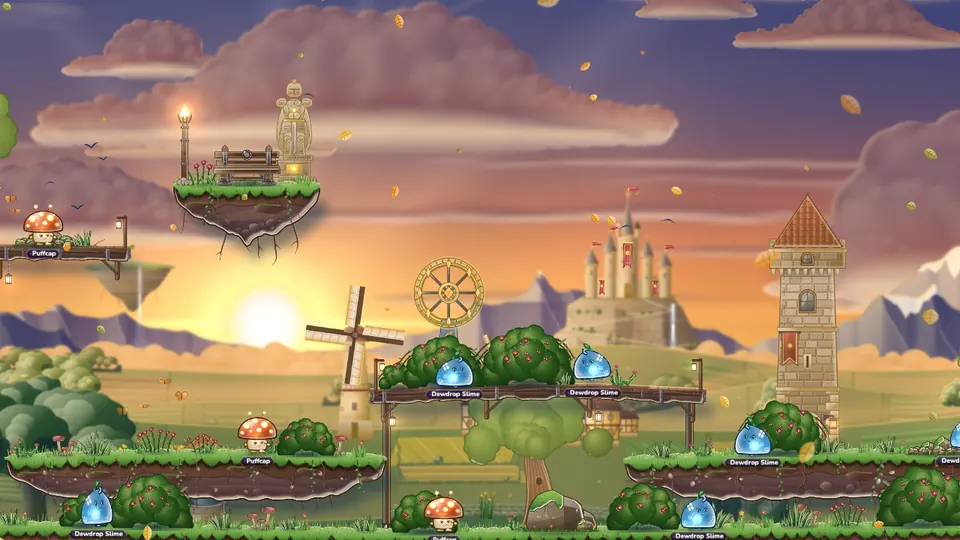 Sunpetal Grove |
| Light Gone Pale | Collect five Pale Sunpetals from 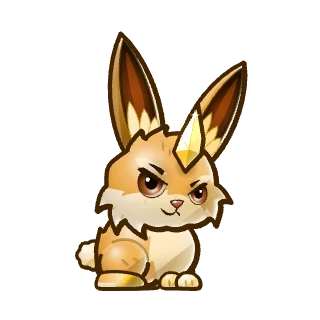 Sparkhorn Hare | 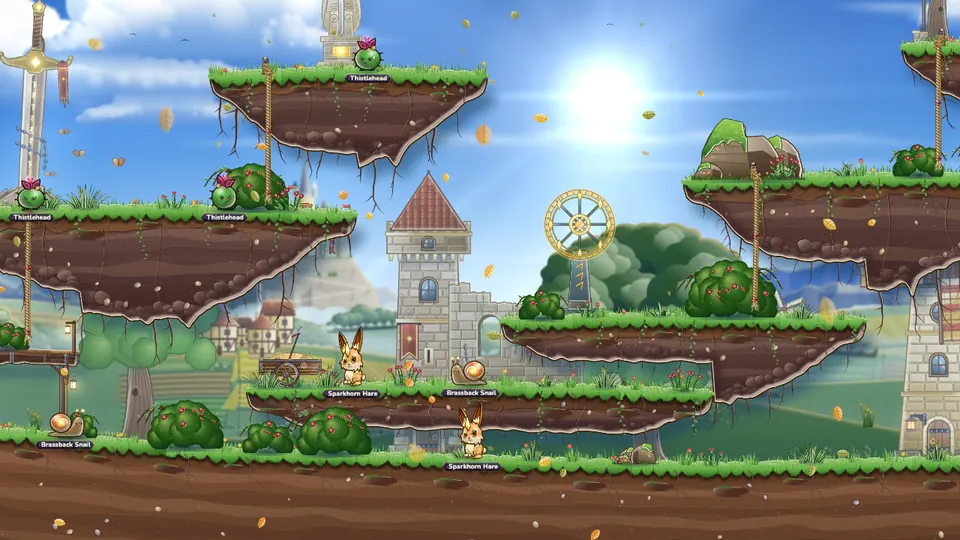 Sunpetal Fields |
| Whispers in the Wood | Find 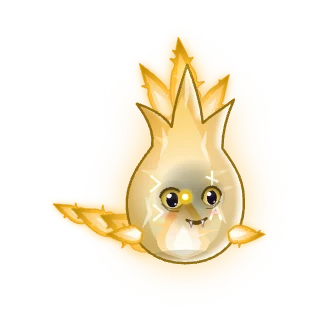 Flicker (needs level 6) | 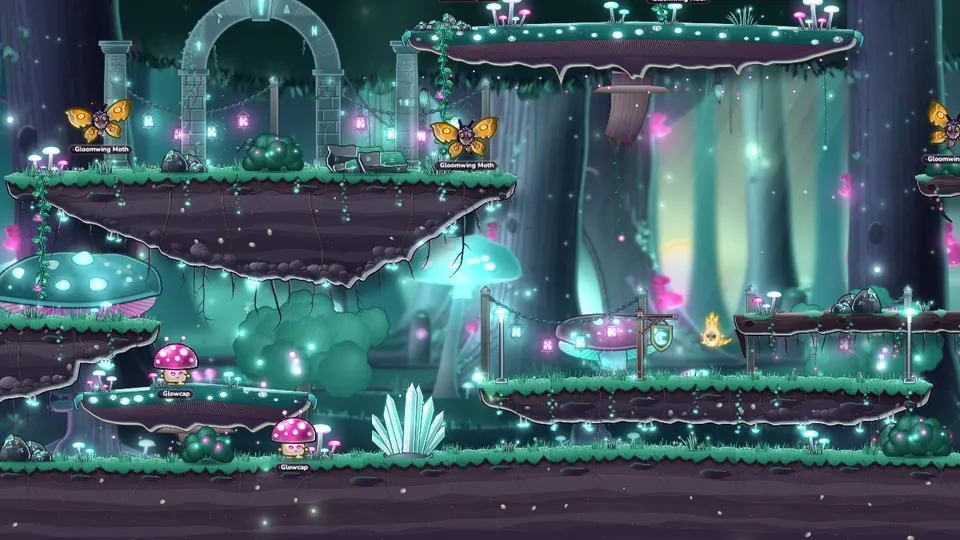 Whisperwood Path |
| The Light-Eaters | Defeat twelve 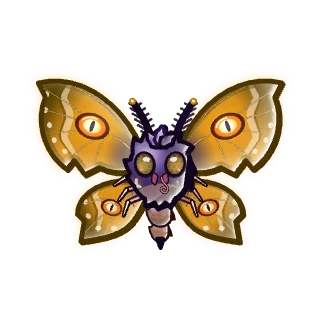 Gloomwing Moth | Whisperwood Path |
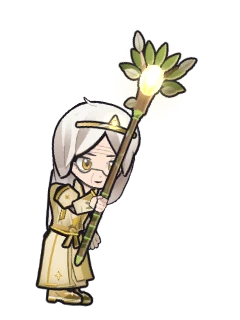 Elder Wynne gives the first three. The first two can be handed in on the spot, so you do not walk back to town after every fight. When the sixth slime falls, its hand-in card opens where you stand, and you tap COMPLETE yourself. Leave it for five seconds and the walk pauses until you do. If the next story quest waits for a level, the tracker says which one, and GO takes you to a field where you can earn it.
Townsfolk also have small side quests, such as 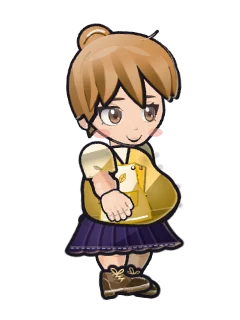 Pip Honeybun's Gel for the Potion Vats. Any field near your level gives good EXP, not only the story map.
Systems open as you grow
New systems appear one at a time, each with a short card and a small first-time reward. AUTO shows up on your screen once you hand in The First Light. See  AUTO-Hunting.
| Level | What opens |
|---|---|
| 1 | AUTO-HUNT, after The First Light |
| 3 | The Monster Book |
| 5 | Friends |
| 6 | Monster Puzzles |
| 8 | Pets |
| 10 | Souls, the Lumen Pass, the Mailbox, Seasons |
| 12 | Challenges and daily quests |
| 13 | Parties |
| 14 | The Forge |
| 15 | Party Quests |
Glint stays with you until your first job and can be switched off in the AUTO window.
Level 10: choose your class
At level 10 you visit the Circle of Paths in Dawnhollow, where five mentors wait.
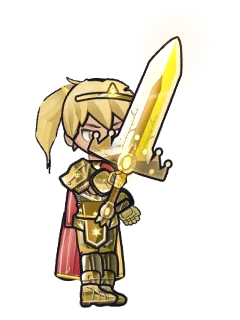 Dame Aurelia
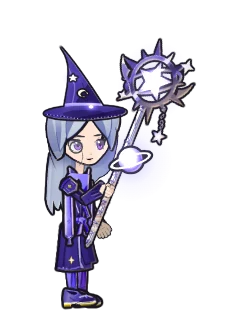 Magister Vey
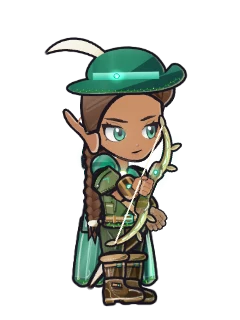 Kestrel
 Nyx
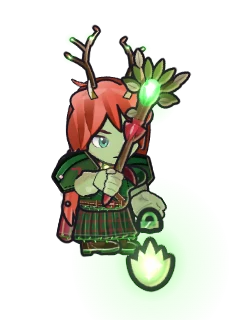 Warden Brenna
Each mentor lends you their class for a free practice fight, as often as you like. Try all five. The final choice is made when you hand in a mentor's trial, and it is for good. The full story is in  Classes and Jobs.
Where to go next
- Hunt your way up the Dawn Isles: Whisperwood Path (levels 6 to 12),
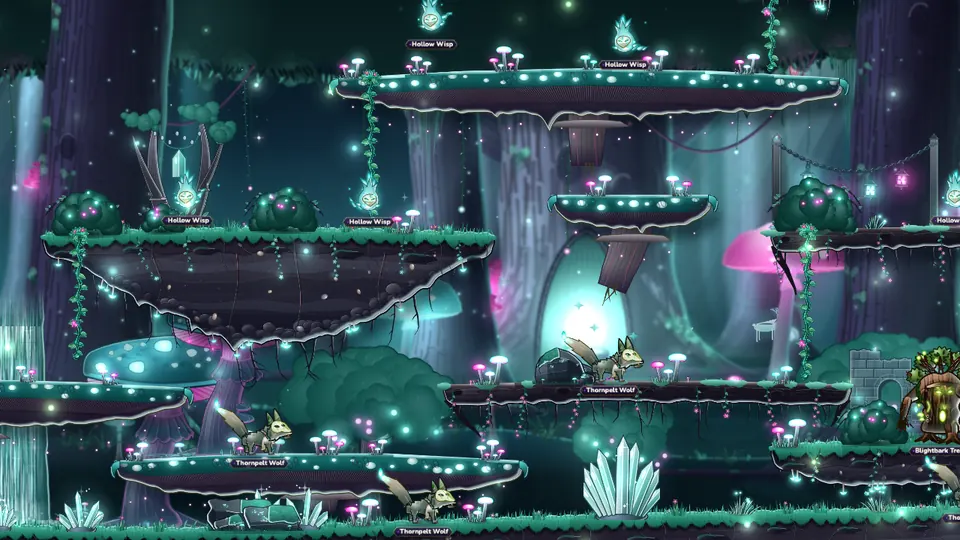 Deep Whisperwood (10 to 16), then
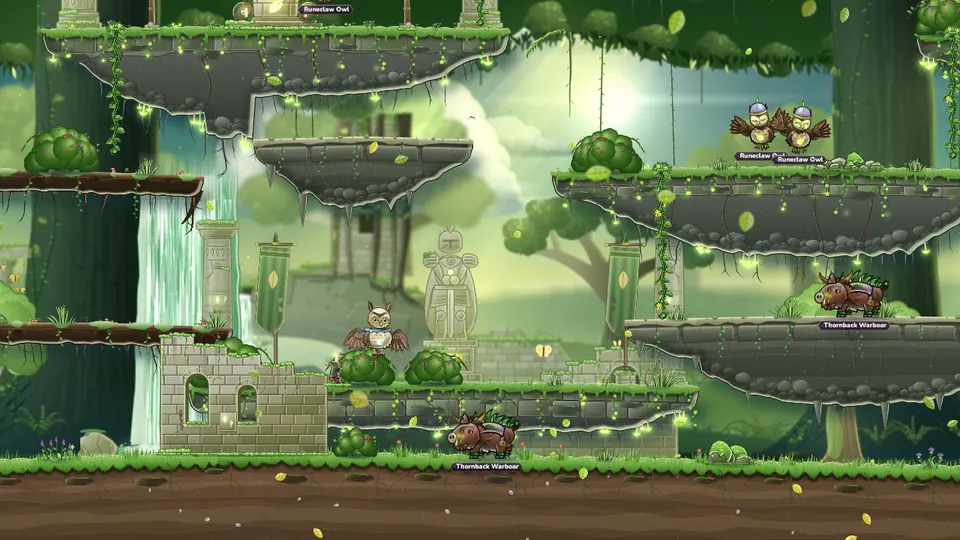 Mossglade Ruins (15 to 21).
- Learn the pad, keys and controller layouts in Controls.
- Follow the story in Quests and Story and find your way with
 World and Travel.
- Team up from level 13 with
 Parties and Friends.
- Past level 30 and behind the realm, or leveling an alt? Catch-up EXP gives you more monster EXP while you catch up.
Tips
Read next
ControlsHow to play with a touch pad, a keyboard or a game controller, how to make each one yours, and how to save battery.AUTO-HuntingLet your hero hunt for you. How AUTO picks targets and fights bosses, what it uses, how its time works, how to save battery and how auto-quest differs.Classes and JobsThe five classes, their two paths each, the four advancements, and how to try every class before you choose.Quests and StoryThe main story in five chapters, side quests, job trials and dailies, and the tools that walk you to the next step.World and TravelThe lands of the Sea of Clouds in level order, and every way to get around them.Catch-up EXPHeroes who are behind the realm, or behind their own best hero, earn up to double EXP from monsters. It fades out as they catch up.